Duplicating a transaction
Some payments repeat the same way every month: the phone bill, the gym fee, the rent transfer. If you enter them by hand, duplicating copies a transaction you already have with today's date, so all that is left is to check it and save.
Quick start
- Find the transaction you want to repeat.
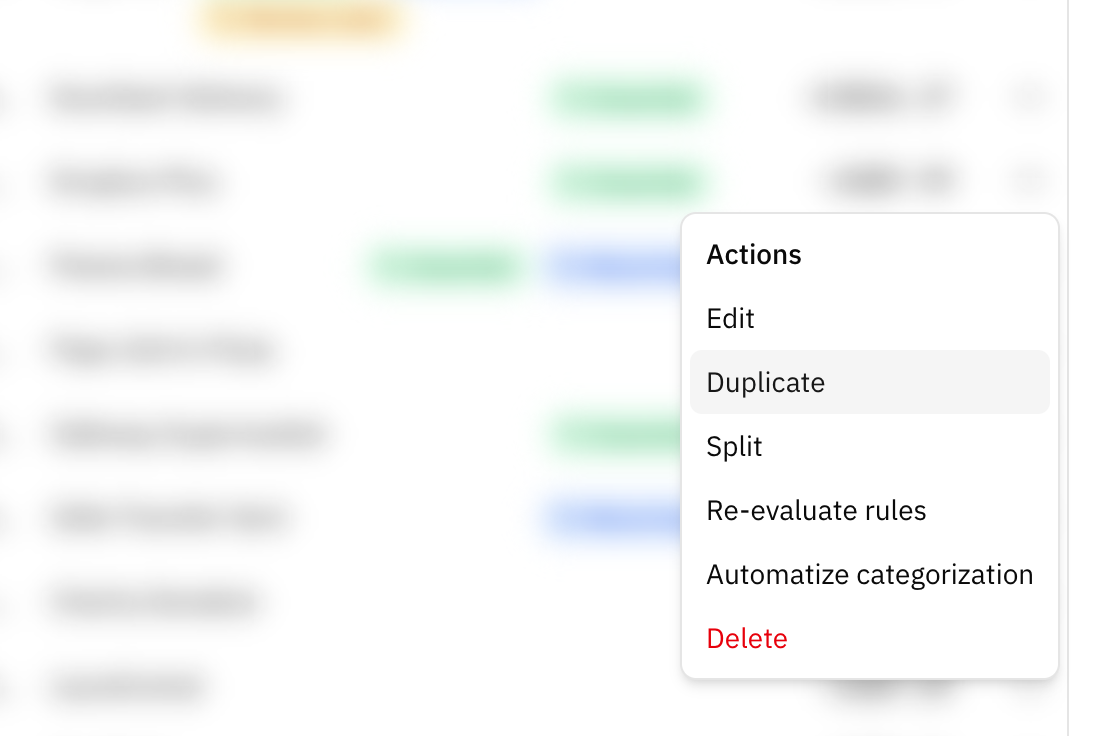
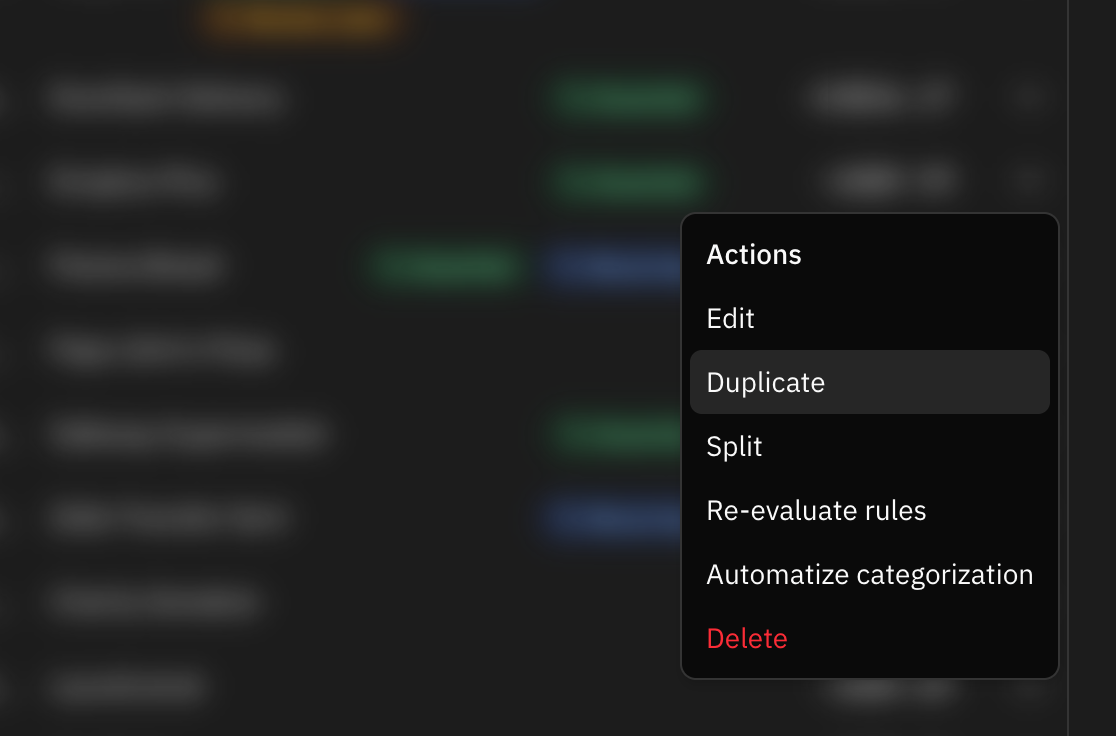
- Open its menu (the ⋯ button, or right-click the row) and choose Duplicate.
- Add Transaction opens with everything filled in and today's date.
- Change whatever needs changing, like the amount if it moved this month.
- Save.
When to duplicate
When what you are about to enter is something you entered before and only the day is different. Duplicating saves you picking the category, the labels and the account again, and keeps this month's transaction named like last month's, so your filters and budgets find it.
If the transaction comes from your bank or from an import, there is no need: it will show up on its own.
What gets copied, and what does not
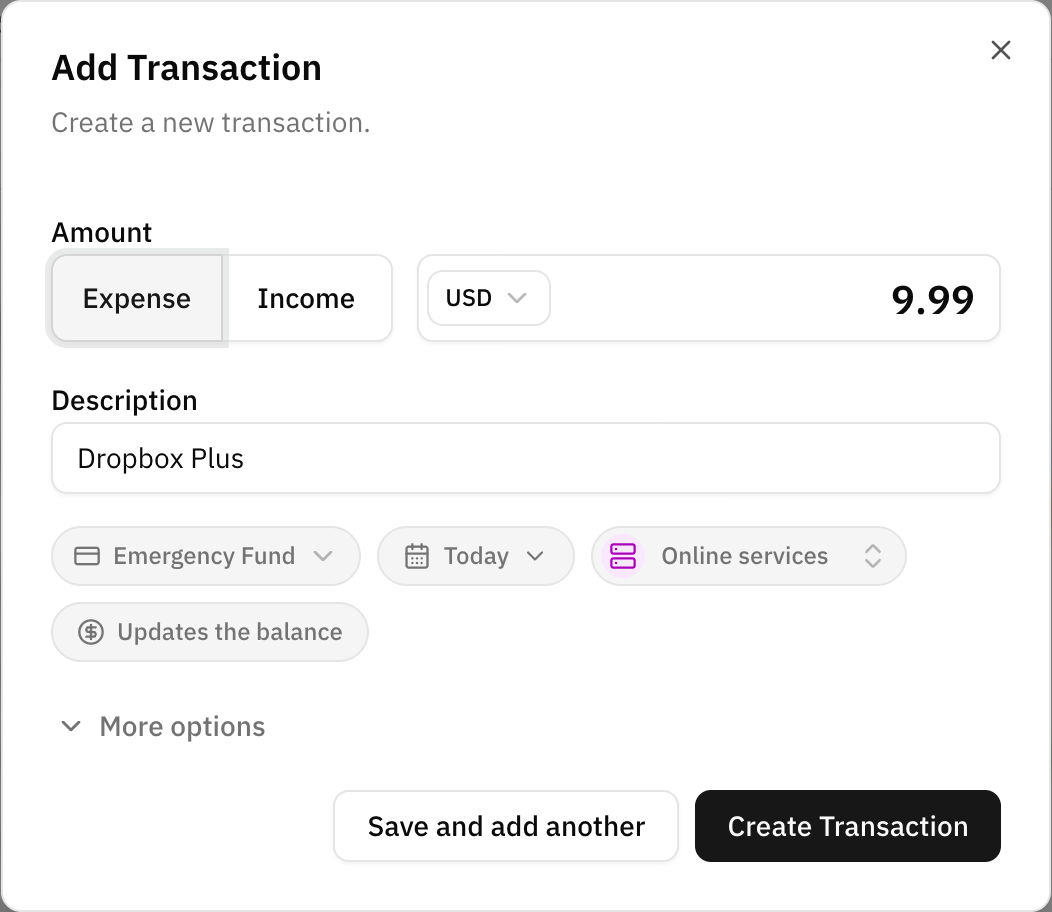
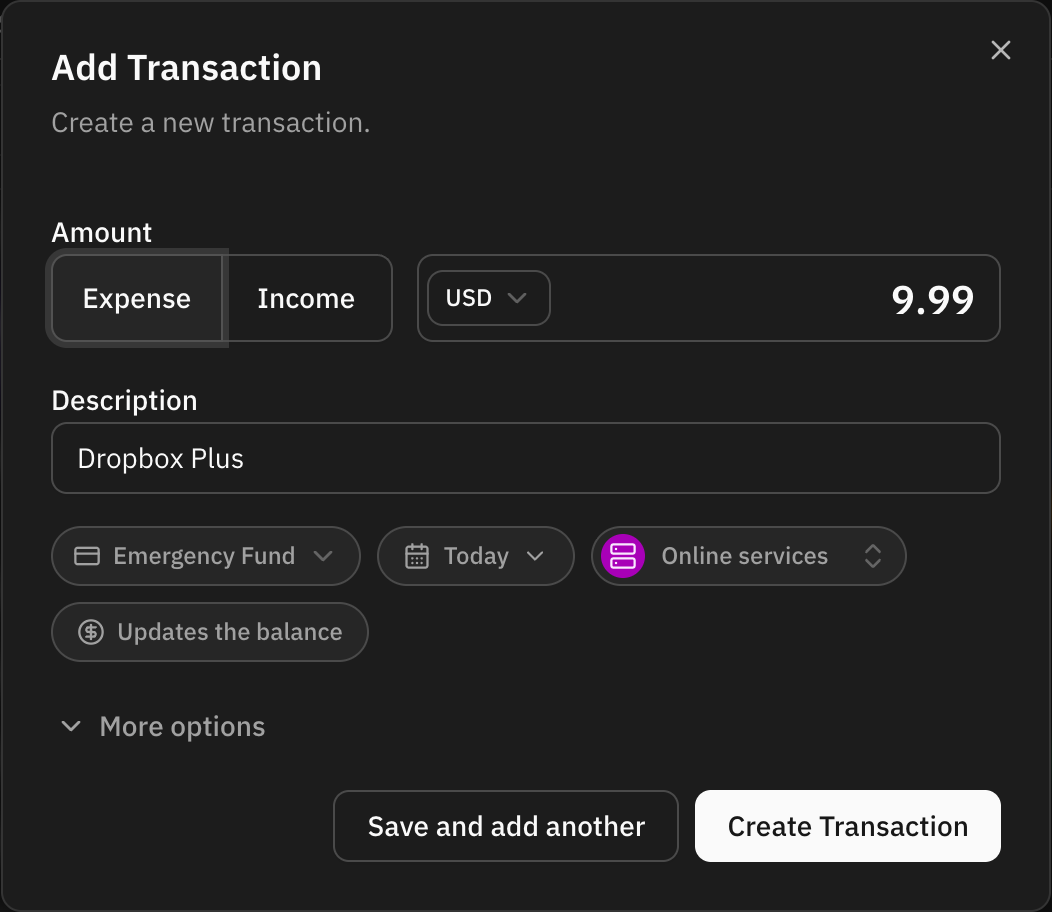
The copy carries the original's description, amount (and whether it is an expense or income), currency, category, labels and notes. Labels and notes wait behind More options.
The date is not copied: it is always today. Change it in the dialog if the transaction happened on another day.
The account is the original's while that account still takes transactions. Otherwise the dialog picks the account it would use when you create a transaction from scratch.
The copy is always a manual transaction, even when the original came from your bank. It does not inherit the bank's reference or the creditor and debtor names either.
Automation rules do not run
When you save a duplicate, your automation rules are not applied. The copy already carries the category and labels you settled on for the original, and those are what it keeps.
Only the first save is the duplicate. If you carry on with Save and add another, whatever you enter next is a normal new transaction and rules run as usual.
Where to find it
Duplicate is in every transaction's menu on the transactions page, and in the lists on an account, budget and savings goal page too.
It is not offered on the parts of a split: a part only makes sense next to the others.
FAQ
What if I change my mind?
Close the dialog. Nothing is created until you save.
Does duplicating change the original?
No. The original stays exactly as it was.
Is the account balance updated?
The same as when you create a transaction by hand: on an account you keep yourself, the dialog lets you move the balance at the same time. On an account connected to a bank, the bank still sets the balance.